What a hair salon's website needs to fill the chair
Most people pick a new salon on their phone, late in the evening, by looking at photos, checking a few prices and seeing how fast they can get booked. Your…
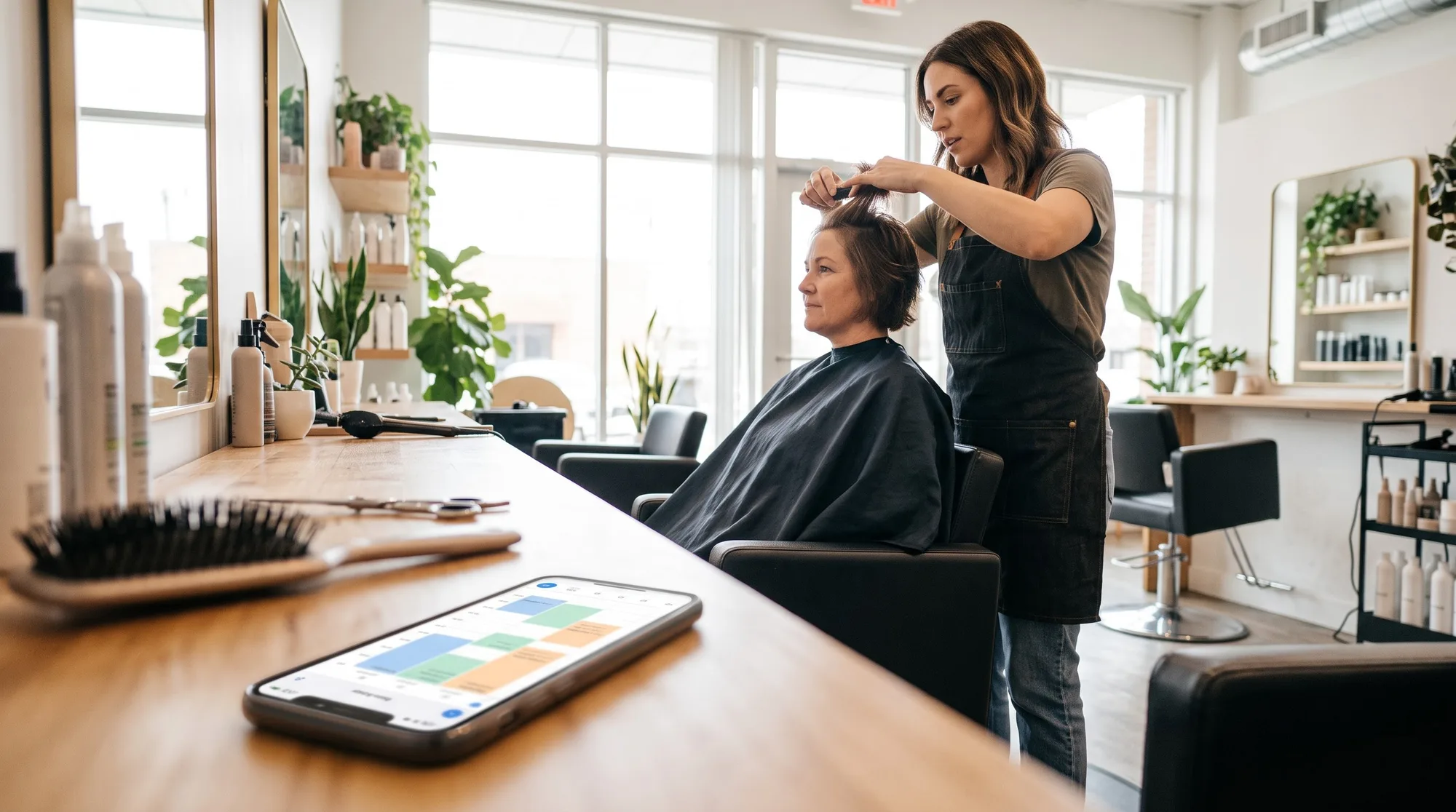
Most people pick a new salon on their phone, late in the evening, by looking at photos, checking a few prices and seeing how fast they can get booked. Your website has a few minutes to win that booking, and the salon with the easiest "book now" usually gets it.
It's a different visit from the one we wrote about in what a plumbing company's website needs to win the call. Nobody is standing in an inch of water. They're on the sofa, browsing, comparing your work with two other salons nearby. They have time, but not much patience. Here's what they're looking for, in roughly the order they look.
Show the work first
Hair is visual, and your photos are your portfolio. Before anyone reads a word, they want to know whether you can do the cut or color they have in mind.
- Use your own photos. Real clients (with permission), in good natural light, from more than one angle. Stock photos of models are easy to spot, and they tell the visitor nothing about your skills.
- Sort them by what people ask for. Short cuts, blonding, curly hair, balayage, bridal. Someone with curly hair wants to see curls, not scroll past twenty sleek blowouts to find them.
- Name the stylist. People book a person, not a building. A line under each photo saying who did it helps them choose.
Answer the three quiet questions
Before booking, almost every new client wants three things settled: what will this cost, how long will it take, and who will I see?
Prices, or at least a starting point
"Prices on consultation" loses people who won't ask. You don't need every combination, but a "from" price for each main service, plus a note on what changes it (length, thickness, a big color change), lets visitors know they're in the right range before they commit.
How long it takes
A full color can take a whole afternoon. Say so. People plan babysitters, lunch breaks and parking around it.
Who does what
A short page for your team, with a photo, a sentence or two each and what they love doing, turns "a salon" into "the stylist who's great with curly hair." If your stylists have different levels or prices, explain them plainly.
Make booking the easiest thing on the page
This is where most salon sites lose people. The photos are lovely, the prices are clear, and then the only way to book is a phone number that rings out while you're mid-foil.
Put a "Book now" button in the header of every page, and again at the end of every service section. On a phone, it should be visible without scrolling.
Then keep the booking itself simple:
- Use the words your clients use. "Cut and blow-dry" beats "Restyle service." Someone choosing from a list at 10 p.m. has no one to ask what you meant.
- Keep the list short. Five or six main services is plenty. Toners, glosses and treatments can be a note in the form rather than a service of their own.
- Set honest lengths. Include the time for blow-drying and cleanup, so you're not running late by mid-morning.
- Ask only what you need. Name, phone, email, the service and a time. Then one optional box, or a short dropdown, for "anything we should know," like a recent color or a big change in mind.
The salon with the easiest "book now" usually gets the booking.
Handle new clients and big changes kindly
Some appointments really do need a conversation first: a dramatic color change, extensions, bridal hair. Offer a short consultation as its own bookable service, so nervous first-timers have an easy, low-risk first step.
For those visits, you can have the booking come in as a request that you confirm, rather than an instant slot. Just reply the same day, or the moment passes.
Cut the no-shows
An empty chair is the most expensive hour in a salon. A reminder email a day or two before each appointment prevents most no-shows, and it costs you nothing once it's set up.
Put your cancellation policy where people will see it: on the services page, in the booking form and in the confirmation. Add your phone number to the confirmation too, so anyone who needs to move an appointment knows exactly how to reach you.
The details that finish the job
- Address, parking and how to find the door. "Upstairs, above the bakery" saves a nervous first visit.
- Opening hours, including your late nights, which are often your most wanted slots.
- A link to your Instagram, where your newest work lives.
- A few real reviews, quoted honestly, that mention a specific cut or color.
How Tropic Arts helps
Bookings on Tropic Arts let you list your services with their own lengths, set your weekly hours, choose instant or request booking for each form, and send reminder emails automatically. Every booking also adds the client to your customer list, so a year of appointments becomes a list of people you can invite back.
Two things to plan around: bookings don't take a deposit, and clients can't reschedule themselves, so keep your phone number in the confirmation. For the full setup, read our guide to taking bookings without the back-and-forth.
Then book yourself an appointment from your phone, the way a new client would. If it takes more than a minute, you'll know what to fix.