What a plumbing company’s website needs to win the call
Most people choose a plumber on their phone, in a hurry, from three or four names, and your website has seconds to show you're real, nearby and ready to take…
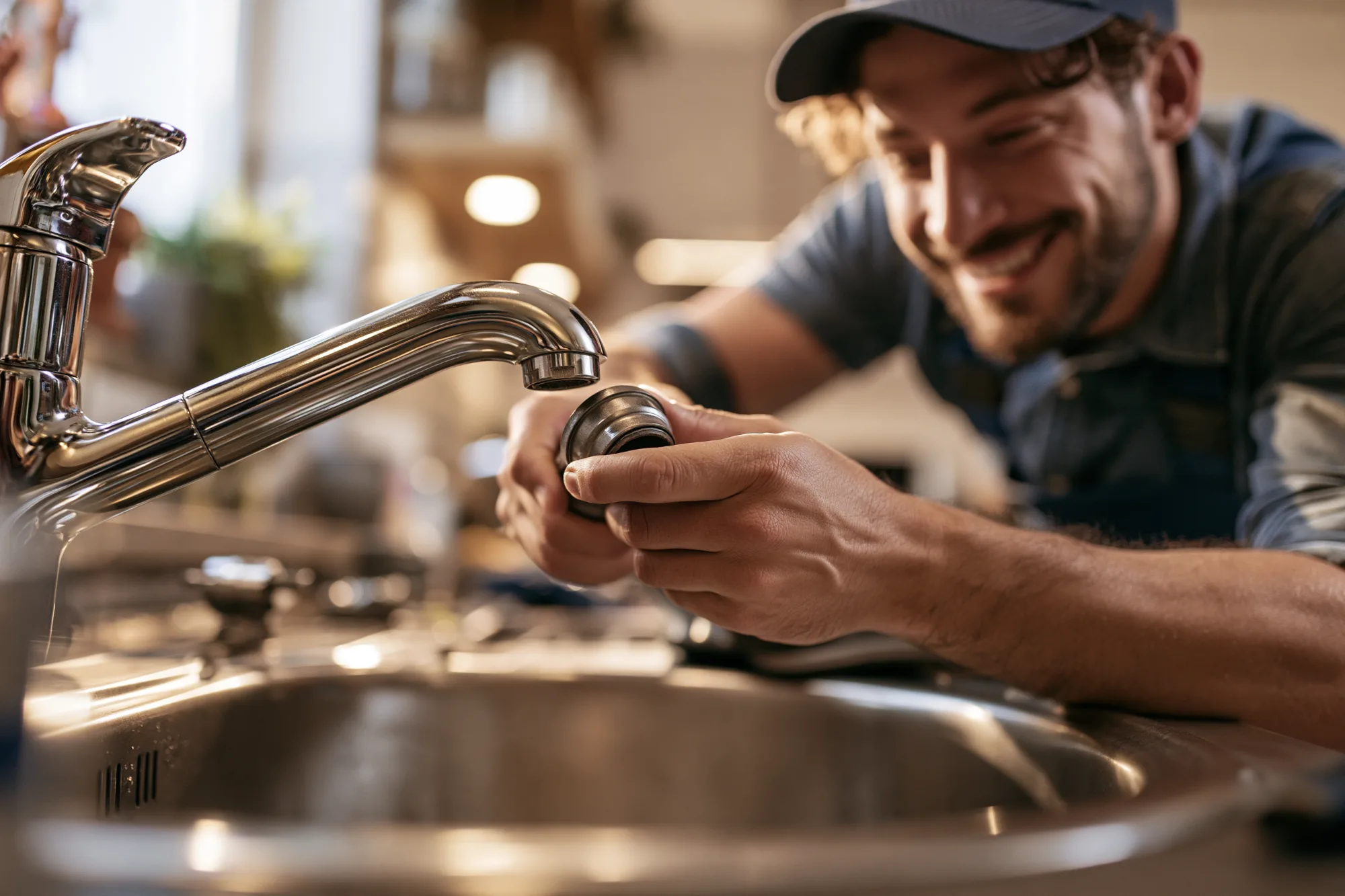
Most people choose a plumber on their phone, in a hurry, from three or four names, and your website has seconds to show you're real, nearby and ready to take the call. Someone standing in an inch of water isn't comparing fonts. They tapped your name in a map listing or a search result, and now they're deciding whether to call you or go back and tap the next one.
That makes a plumbing website an unusual kind of page. It doesn't need to impress anyone. It needs to answer a short list of questions faster than the other companies' sites do, and then make calling you the easiest thing on the screen. This article goes through what that takes, in the order a customer looks for it.
Two customers, one site
Plumbing work arrives in two moods, and your site has to serve both.
The first is the emergency: a burst pipe, a backed-up drain, no hot water on a school morning. This person wants a phone number and some sign that you'll pick up. They won't read a paragraph, and if the first site makes them hunt for the number, they'll call the second company on the list.
The second is the planner: a water heater that's twelve years old, a repipe before a kitchen remodel, a sewer line the inspector flagged during a home sale. This person has time. They read your service pages, look for prices, check your reviews and often ask two or three companies for a quote. They may never call at all, and instead fill in a form at 10 at night.
Most of what follows serves both. Where it doesn't, the emergency caller gets the top of the page and the planner gets everything below it.
Make the phone number the headline
On a phone, your number should be visible without scrolling, on every page, and it should start a call when someone taps it. That sounds obvious, but plenty of plumbing sites still put the number inside a picture, bury it in the footer or show it only on the contact page.
- Put it in the header. Use a tap-to-call button at the top of every page, with the number written out, not just a phone icon. Some people want to read the number before they commit to calling it.
- Use one number everywhere. The number on your site should match the one on your trucks, your invoices and your Google Business Profile. Mismatched numbers make people hesitate, and they make it harder for search engines to tell that all those listings are the same business.
- Say when it's answered. "Available 24/7" is a strong line, but only if a person really answers at 3 in the morning. If you don't take night calls, give your hours and say what happens after them: an emergency line, a callback first thing, or another company you refer people to. A promise you break in the middle of the night turns into a review, and you'll read it.
- Offer a second way in. Put "Request a callback" or "Book online" next to "Call now." Some people can't talk at work, and some just don't like phone calls.
Answer three questions on the first screen
Before anyone calls, they want three things settled. Do you do this job? Do you come to where I live? How soon can you get here? The top of your home page should answer all three before the visitor scrolls.
A headline like "Quality plumbing you can trust" answers none of them. Compare it with "Licensed plumbers for Portland's east side. Same-day service on most weekday calls." That tells the reader what you are, where you work and how fast you move, and it's still short.
Under the headline, a line of quick proof does more than a paragraph: licensed and insured, years in business, upfront pricing, a warranty on labor. Keep each one to a few words, and only list what's true.
Nobody reads a plumber's website for fun. They read it to decide whether to call, and they decide fast.
Prove you're real, licensed and insured
Letting a stranger into your home is a real decision, and people look for signs of a proper business before they make it.
- Your license number. Put it in the footer of every page and on your about page. Many states require a contractor's license number on advertising, and a website usually counts, so check your licensing board's rules. Even where it isn't required, a number people can look up is worth more than the word "licensed."
- Insurance and warranty. Say that you're insured, say whether you're bonded, and say what your warranty covers and for how long.
- Real photos. Show your trucks, your crew in uniform and a finished install. Stock photos of models holding wrenches are easy to spot, and they make a real company look like a lead-selling site. A slightly imperfect photo of your actual van does more.
- Names and faces. Write a short about page with the owner's name, how the company started and a photo of the team. People want to know who's coming to the door.
- Reviews, quoted honestly. Pick a few real reviews that mention specific jobs, with the customer's first name and neighborhood, and link to your Google profile so readers can see the rest. Don't write your own, and don't trim a three-star review until it reads like a five.
Give each job you want more of its own page
One "Services" page with a bulleted list of fifteen jobs is easy to write and does very little. Planners want detail about their problem, and search engines match pages to searches. A page about water heater replacement can show up when someone searches for water heater replacement in your town. A line in a list mostly can't.
Start with the four or five jobs you most want more of, which are usually the bigger or more profitable ones: water heater replacement, drain and sewer work, repiping, leak detection and fixture installs. Give each one a page that covers:
- The signs. How customers can tell they need this, in their words: "rusty water from the hot tap," not "sediment accumulation in the tank."
- How the job goes. Three to five steps, from the first visit to the cleanup.
- What it costs, roughly. There's more on that below.
- How long it takes, and how soon you can usually start.
- A way to call or book, at the bottom of the page as well as the top.
Write these pages yourself, or edit hard whatever an AI tool or a marketing company drafts for you. The details only a working plumber knows, like the code requirement that comes up on every install in your county, are what make a page believable.
Show your prices, or at least how they work
"Call for a quote" is one of the most common lines on plumbing sites, and it loses planners. The people who won't call just to ask aren't only bargain hunters. Many of them simply want to know they're in the right range before they spend twenty minutes on the phone.
You don't need a full price list. Most plumbers can publish:
- The service call or trip fee, and whether you waive it when you do the work.
- How you charge: a flat rate by job, or hourly plus parts.
- Typical ranges for common jobs, like replacing a standard tank water heater or clearing a main drain, and what pushes the number up.
- Any after-hours or weekend premium. Emergency callers would rather learn it now than on the invoice.
- Financing, if you offer it, next to the bigger jobs.
Customers who've seen a range and still call are better calls. They've already accepted the price, and you spend less of your week on quotes that go nowhere.
Make your service area clear
Visitors want to know whether you come to them, and search engines want to know where you work. Name the towns, neighborhoods or ZIP codes you cover, and say where you stop. "We don't go north of the river" saves you calls you'd turn down anyway.
For most companies, a single service area page with a map and a list is enough. If you add a page for each town, give each one something specific to say, like the jobs you do most there, the age of the houses or the local water. Google's spam policies name stacks of near-identical town pages with only the name swapped, and readers can tell too.
Whatever you list, keep it consistent with your Google Business Profile, along with your business name and phone number. For local searches, the map results often appear before the regular ones, and your website is where people go to check that you're what the listing says.
Catch the calls you'd otherwise miss
You're under a sink half the day, and plenty of people won't call anyway. A short request form catches them. Keep it to what you need to call back with a plan:
- name and phone number, with email optional;
- what's wrong, as a short list to choose from, with "Not sure" as an option;
- how urgent it is: today, this week or just planning;
- the address or ZIP code;
- a box for anything else.
Then say when you'll call back, and keep that promise. "We'll call you within an hour during business hours" is worth more than "We'll be in touch soon," but only if you do it on a busy Friday too.
While they wait, give emergency callers something useful: how to find and close the main water shutoff, and how to turn off a leaking water heater. It helps them, it limits the damage, and it shows you know what you're doing before you arrive.
Build it for a phone, in a wet basement
Most people who find you will be on a phone, often with only one hand free. Open your own site on your phone and check that:
- the number is visible and tappable without scrolling;
- the buttons are big enough to hit with a wet thumb;
- nothing pops up over the number, whether it's a coupon, a chat window or a cookie notice that covers half the screen;
- pages load quickly on a weak signal, with no video playing on its own;
- the form works with the phone's keyboard and autofill.
Know where your calls come from
Ask every new customer how they found you, both on the phone and as a question on the form. It's the simplest tracking there is, and it tells you whether the website, the map listing, a truck or a neighbor sent them. Then look at which pages people actually open. If nobody reads your drain cleaning page, it may need a clearer title, or drain customers may be finding you some other way.
What a Tropic Arts site handles, and what's yours
We make Tropic Arts, so here's what our platform does for a plumbing company, and what it doesn't.
Handled for you:
- A design built for the trade. Our home-services templates, including Cardinal Plumbing Co., are laid out the way this article describes, with the phone number in the header, service pages, a service area page and a callback form. Every template is included on every plan, and you can see them all on our page for contractors.
- Your details, written in. The AI builder asks for your phone number, service area, hours and license number up front, then uses them in the pages, header and footer it writes. Read every page before you publish all the same.
- A request form that asks the right things. You choose the fields, including a dropdown for the job and buttons for how urgent it is. Each request saves the customer to your contact list with their answers, lands in your site's inbox and sends you an email.
- Online booking for planned work. Customers can pick a real opening for an estimate or a service visit, and it appears on your appointments calendar.
- The search basics. Once you add your location with its phone number and hours, your site describes your business to search engines in the structured format they read. Each page gets its own title and description, and your sitemap is built for you.
- Visitor counts without cookies. The Traffic report shows visits, your most-read pages and where visitors came from.
Still yours to do:
- Reviews. Our review requests are part of the Store plan and go out after an order is fulfilled, so they don't suit service calls. Collect reviews on your Google profile and quote a few on your site.
- Alerts by text. New requests arrive by email, not text message. Turn on email notifications on your phone, or have the office watch the inbox.
- Photos on the form. The form can't take photo uploads. If you're happy to get photos by text, put that number beside the form.
- Call tracking. There's none built in, so ask "How did you hear about us?" on the form.
- The words and the photos. The template gives you the structure. Your prices, your service area, your license number and your own trucks are what make it convincing.
- Answering the phone. No website can fix a missed call.
Everything in the first list is on the Starter plan, which is $25 a month, or $15 a month billed yearly. Domains are bought separately. Building your site is free, and you only pay when you publish. The details are on our pricing page.
The short version
- One tap-to-call number in the header of every page, the same one that's on your trucks and your Google profile.
- A first screen that says what you do, where you do it and how soon you can come.
- Your license number, your insurance, real photos and real reviews.
- A page for each job you want more of, with the signs, the steps and a price range.
- A clear service area that matches your Google profile.
- A short request form, with a callback time you keep.
- A site that works one-handed on a phone.
Start with the cheapest test there is. This week, stand in your driveway, open your site on your phone and count the seconds until you're calling your own number. If it takes more than five, fix that before anything else.